
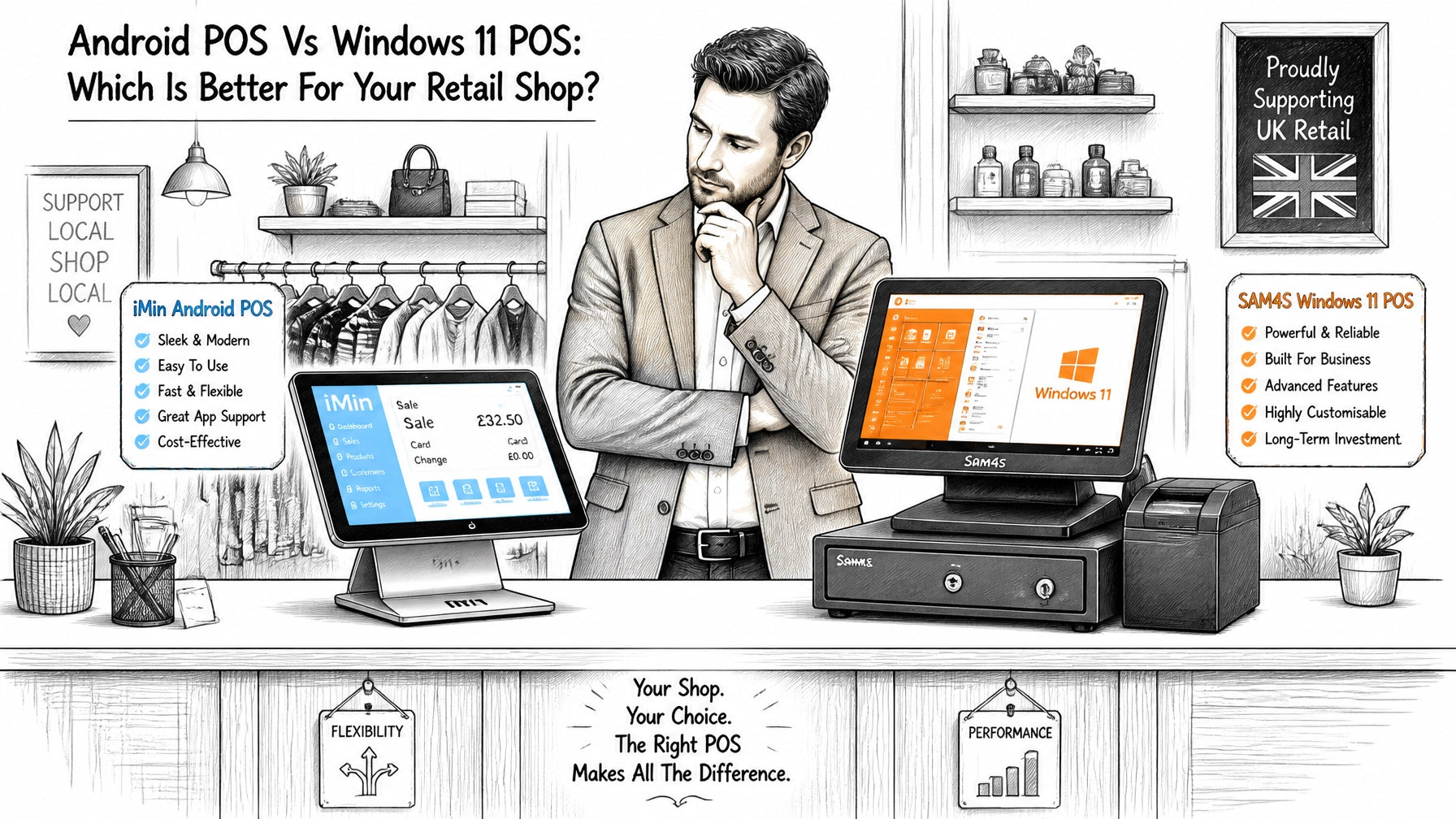
Choosing a new Electronic Point of Sale (EPOS) system for your retail business is one of the most significant decisions you will make this year. In 2026, the debate is no longer just about the software features, but the underlying operating system that powers your hardware. At YCR Distribution Limited, we see many resellers and retailers torn between the modern, app-driven world of Android POS and the robust, traditional power of Windows 11 POS.
Both systems have evolved significantly. While Android has moved from "mobile-only" to powerful desktop terminals, Windows 11 has streamlined its interface to better support touchscreens and modern security requirements. This guide will break down the key differences to help you decide which platform is the right fit for your shop.
Table of Contents
- Key Takeaways
- Understanding Android POS: The Modern Contender
- Understanding Windows 11 POS: The Reliable Powerhouse
- Head-to-Head: Hardware, Cost, and Performance
- Software & Integration: Samtouch and Beyond
- Which Sector Benefits Most?
- Find your ideal POS system with YCR
- Frequently Asked Questions
- Recommended Reading
Key Takeaways
| Feature | Android POS | Windows 11 POS |
|---|---|---|
| Initial Cost | Generally lower (no license fees) | Higher (includes OS licensing) |
| User Interface | Familiar, smartphone-like | Desktop-style, multi-tasking capable |
| Updates | App-based, seamless OTA | OS-level patching, more manual |
| Mobility | Excellent for handhelds & tablets | Best for fixed countertop terminals |
| Hardware | Sleek, integrated (e.g., iMin) | Robust, high-performance (e.g., SAM4S) |
| Best For | SMEs, boutiques, mobile sales | Large retail, pharmacies, complex ERPs |
Understanding Android POS: The Modern Contender
Android POS has rapidly become the go-to choice for small to medium-sized retail businesses. It leverages the same open-source platform found on millions of smartphones, making it incredibly intuitive for staff to use. Because the operating system is lightweight, hardware manufacturers like iMin can design incredibly sleek, all-in-one terminals with integrated receipt printers.
We have found that Android POS systems excel in environments where space is at a premium and simplicity is key. These systems often run cloud-based software, meaning your data is backed up in real-time, and you can check your sales figures from your phone while away from the shop.

Pro Tip: If you are looking for a "plug-and-play" solution, Android is often the winner. The setup time is usually much shorter than a Windows-based equivalent.
Understanding Windows 11 POS: The Reliable Powerhouse
While Android is gaining ground, Windows 11 POS remains the industry standard for high-volume environments and complex retail operations. If your shop requires deep integration with legacy stock control systems, high-end barcode scanners, or complex back-office accounting software, Windows is often the only viable choice.
Hardware from brands like SAM4S is built to withstand the rigours of 24/7 retail. Windows 11 provides a familiar environment for managers who need to run multiple applications: such as a POS interface alongside a complex Excel spreadsheet or a web browser for supplier ordering: without the system slowing down.

Head-to-Head: Hardware, Cost, and Performance
1. The Cost Factor
Cost is often the deciding factor for our resellers' clients. Android POS terminals typically have a lower Total Cost of Ownership (TCO). There is no "Windows Tax": the license fee paid to Microsoft for the operating system. For a small shop with a single terminal, this might only save a hundred pounds, but for a chain of stores, the savings are substantial.
2. Mobility and Flexibility
If your retail strategy includes queue busting or selling at pop-up events, Android is the clear winner. The platform was built for mobile hardware. You can easily integrate Tablets into your workflow, allowing staff to take payments anywhere on the shop floor.

3. Performance and Stability
Windows 11 terminals usually pack more powerful processors and higher RAM capacities. This is vital if you are running a large database of thousands of SKUs locally on the machine. While Android is fast, it can occasionally struggle with massive local data files compared to a high-end SAM4S Windows unit.
Pro Tip: Always check if your chosen hardware has a "fanless" design. Fanless terminals, common in Android units, are quieter and less prone to dust-related failures in dusty retail environments.
Software & Integration: Samtouch and Beyond
The software you choose is just as important as the hardware. At YCR Distribution Limited, we are experts in Samtouch, a leading POS software that works beautifully on Windows platforms. It provides comprehensive stock control, detailed reporting, and loyalty features that are essential for modern retail.
For those leaning towards Android, there are numerous app-based solutions that offer high levels of flexibility. However, if you need a "total POS solution" that integrates your front-of-house sales with your back-office accounts and digital signage, a Windows-based Samtouch setup is often more robust.
Check out our full range of software options on our Shop page.
Which Sector Benefits Most?
Boutique Retail & Fashion
For boutiques, aesthetics matter. A sleek iMin Android terminal looks modern and takes up minimal counter space. The ability to use handheld devices for personal shopping experiences also makes Android a strong contender here. Explore our Retail Point of Sale solutions for more inspiration.
Convenience Stores & Supermarkets
In high-volume convenience stores, reliability is king. A Windows 11 POS system with a secondary screen for customer advertising and a high-speed receipt printer is standard. These businesses often rely on the heavy-duty multitasking that Windows provides.

Hospitality & Catering
While this post focuses on retail, many shops have a small cafe or takeaway element. In these cases, features like kitchen printing and allergens tracking are vital. Windows systems like Samtouch offer advanced catering efficiency tools that are hard to beat.
Find your ideal POS system with YCR
At YCR Distribution Limited, we have over 30 years of experience helping UK resellers find the perfect hardware for their clients. Whether you decide that the cost-effective, mobile-friendly Android POS is right for your shop, or the powerful, enterprise-ready Windows 11 POS is the better fit, we have the stock and expertise to support you.
We don't just sell boxes; we provide total solutions, including:
- Bespoke Software: In-house developed POS solutions tailored to your needs.
- Peripheral Support: From barcode scanners to ID solutions.
- Technical Assistance: Reliable support to ensure your business never stops.
Visit our POS Terminals section today to compare our latest iMin and SAM4S models.
Frequently Asked Questions
Is Android POS secure for credit card payments?
Yes. Android POS systems used in retail are highly secure. They use "sandboxed" apps and device-level encryption. When paired with a PCI-compliant payment terminal, they are just as secure as Windows or traditional till systems.
Can I run my existing Windows POS software on an Android terminal?
No. Android and Windows use different architectures. If you have a specific software you love that is Windows-based (like some versions of Samtouch), you will need to stick with a Windows 11 terminal.
Which system lasts longer?
Windows hardware (like SAM4S) is often built with "industrial grade" components designed for a 7-10 year lifespan. Android hardware is catching up, but because mobile technology moves so fast, people often choose to refresh Android terminals every 4-5 years to keep up with the latest app requirements.
Do I need an internet connection for Android POS?
Most Android POS systems are cloud-based and work best with a constant internet connection. However, many modern apps have an "offline mode" that allows you to continue taking payments if your Wi-Fi drops, syncing the data once you're back online.