
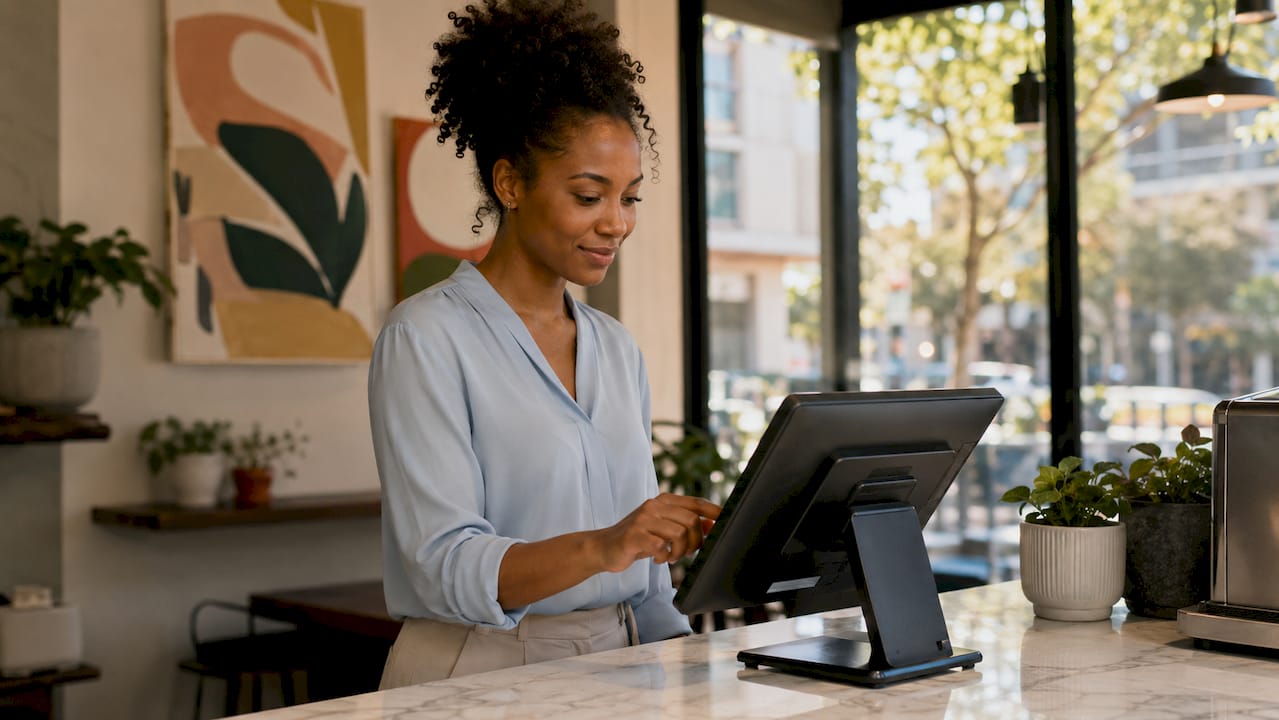
Streamlining retail checkout is the process of applying targeted technologies and operational methods to reduce transaction times, cut queue lengths, and improve customer flow at the point of sale (POS). The right combination of modern POS software, efficient payment solutions, and smart staffing can cut checkout times by up to 40% compared to standard card-based methods. This guide covers the essential technologies, staffing strategies, queue management techniques, and continuous improvement practices that retail and hospitality managers need to act on right now.
What are the essential technologies to streamline retail checkout?
The foundation of any faster checkout process is a POS system built for speed. Complex POS interfaces harm checkout speed even with trained staff, which is why simplicity and customisability are the two most critical features to evaluate. Systems with drag-and-drop interfaces and hotkeys reduce transaction times by cutting the number of keystrokes a cashier needs per sale. SAMTOUCH, for example, is designed specifically for retail environments where speed and ease of use directly affect throughput.
Payment methods that reduce bottlenecks
Payment is where most checkout queues stall. Contactless payments such as Apple Pay and Google Pay significantly speed up the payment step compared to chip-and-PIN, requiring only a tap and a quick authentication. Going further, account-to-account (A2A) solutions like Pay by Bank can speed up checkout flows by up to 40% compared to standard card payments, with Brite Payments reporting that A2A transactions complete in under 60 seconds. That is a meaningful gain during peak trading hours when every second at the till counts.
Scanning hardware and self-checkout considerations
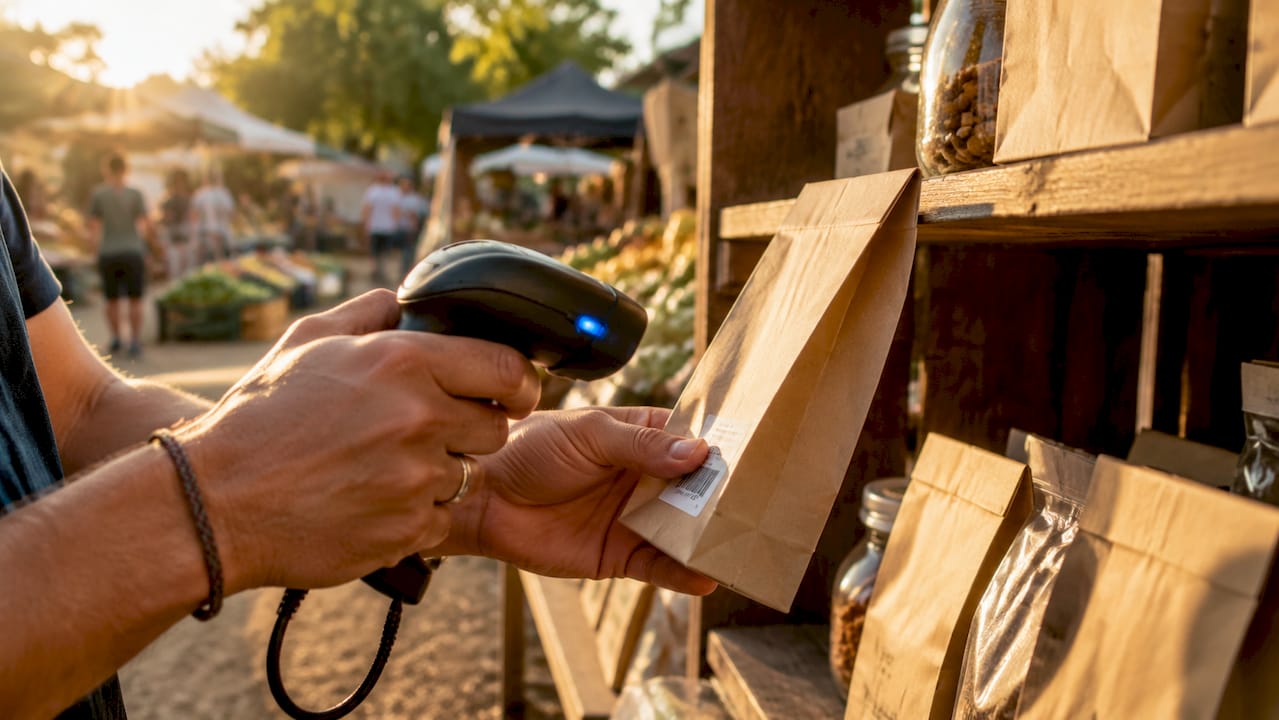
Fast, accurate scanning is non-negotiable for high-volume retail. 2D barcode scanners such as the Zebra DS9308 or the Honeywell MS7190G read damaged, angled, and digital barcodes in a single pass, removing the repeated scan attempts that slow cashiers down. Self-checkout kiosks add capacity during busy periods, but they are not universally beneficial. Stores with age-restricted or loose products may see slower transactions at self-checkout, along with higher shrink risk. Deploy self-checkout selectively, where your product mix genuinely suits it.
Mobile POS for line busting
Mobile POS units enable staff to check out customers remotely during busy periods, which is particularly effective on peak shopping days. A staff member with a tablet-based POS terminal can process simple purchases on the shop floor before a customer even reaches the till. This approach, often called line busting, reduces perceived wait time and keeps customer satisfaction high without requiring additional fixed checkout lanes.
Pro Tip: When selecting a mobile POS solution, confirm it integrates with your existing stock management system. Disconnected systems create reconciliation errors that cost time after the transaction is complete.
How should retailers optimise staffing and workflows for efficient checkout?
Technology alone does not improve checkout speed. The way your team is deployed and trained determines whether that technology delivers its potential. Here is a practical framework for aligning staffing with transaction demand.
-
Use POS transaction reports to schedule staff. Your POS system records transaction volumes by hour and day. Match your staffing levels to those peaks rather than relying on general assumptions about busy periods. A convenience store that sees 60% of its daily transactions between 7am and 9am needs a different staffing model than one with an even spread.
-
Assign checkout lanes by transaction complexity. Separate express lanes for customers with fewer items from lanes handling returns, age-restricted products, or complex orders. This single change prevents one slow transaction from holding up ten fast ones.
-
Deploy mobile POS associates during peak hours. Rather than opening a new fixed till, send a staff member with a tablet onto the shop floor to handle straightforward purchases. This is faster to activate and more flexible than a permanent lane.
-
Train staff on POS customisation features. A cashier who knows how to use product hotkeys and saved favourites on SAMTOUCH or EZEEPOS will process transactions measurably faster than one who searches through menus. Build this into your onboarding programme and refresh it after any system update.
-
Review performance data weekly, not monthly. Checkout speed is a live metric. Weekly reviews of transaction times and queue data allow you to catch problems before they affect customer satisfaction scores.
Pro Tip: Avoid treating your checkout setup as a one-time design decision. The retailers who consistently improve checkout speed treat it as an ongoing operational discipline, reviewing data and making small adjustments every week.
What are effective queue management strategies to reduce checkout time?
Queue management is the operational discipline of controlling how customers move through your checkout area. It sits alongside technology and staffing as the third pillar of a faster checkout experience.
-
Real-time monitoring with automated alerts. Retailers should implement systems that alert floor managers when average waits exceed 4 minutes, prompting them to open new registers or dispatch mobile POS staff. Four minutes is the threshold at which customer satisfaction begins to drop and basket abandonment becomes a real risk.
-
Virtual queuing for larger retail formats. Virtual queuing allows customers to join queues digitally and receive notifications when their turn approaches, reducing physical crowding at the checkout area. This works particularly well in larger stores, garden centres, and hospitality venues where customers can browse while they wait.
-
Flow segmentation by transaction type. Routing returns, exchanges, and complex queries to a dedicated service desk keeps the main checkout lanes moving. This is one of the highest-impact, lowest-cost changes a store manager can make.
-
Mobile-first monitoring interfaces. Floor managers should be able to view queue status from a handheld device rather than returning to a back-office screen. Real-time visibility on the shop floor means faster decisions and faster interventions.
The table below summarises the most practical queue management approaches by store type.
| Strategy | Best suited to | Primary benefit |
|---|---|---|
| Real-time queue alerts | All retail formats | Faster manager response to build-up |
| Virtual queuing | Large stores, hospitality venues | Reduces physical crowding |
| Express lanes | Supermarkets, convenience stores | Speeds up low-basket transactions |
| Mobile POS deployment | All formats during peak hours | Adds capacity without fixed infrastructure |
| Transaction-type routing | Stores with high return volumes | Protects main lane throughput |
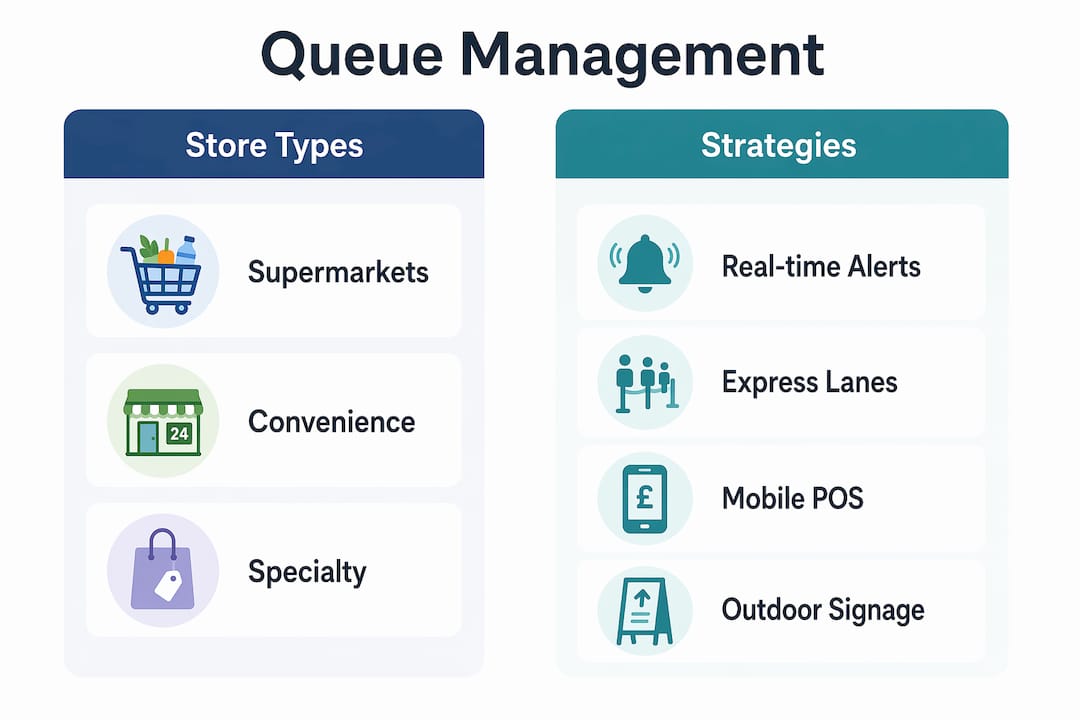
Outdoor signage also plays a supporting role. Clear outdoor sign placement directing customers to the correct entrance or checkout area reduces confusion before shoppers even enter the building, which has a measurable effect on queue formation.
How to build a continuous improvement roadmap for checkout efficiency
A single technology upgrade or staffing change will produce a short-term gain. Sustained improvement requires a structured, data-driven approach that treats checkout performance as a commercial metric rather than an operational footnote.
-
Audit your current checkout performance across all channels. Pull transaction data from your POS system and map average transaction times, peak queue lengths, and abandonment points. This baseline tells you where the biggest revenue losses are occurring.
-
Assign clear ownership at a senior level. CTO-level oversight improves checkout UX and reduces conversion losses through iterative testing. Someone at director or operations manager level needs to own the checkout improvement programme, with commercial metrics attached to their accountability.
-
Prioritise fixes by revenue impact. Not every friction point costs the same. A 10-second delay at the payment step during peak hours costs far more than the same delay at a quiet period. Rank your improvements by the transaction volume they affect.
-
Use step-level analytics and A/B testing. Step-level analytics locate exact points of checkout drop-off and A/B testing validates fixes before full deployment. Test a new POS layout or payment flow on one till before rolling it out across the store.
-
Build a six-month improvement roadmap. Successful retailers build six-month roadmaps tied to revenue impact. A rolling roadmap keeps the programme moving and prevents the common mistake of treating checkout as a solved problem after one round of changes.
Checkout efficiency is not a project with an end date. It is a continuous performance discipline. The retailers closing the largest revenue conversion gaps are the ones reviewing checkout data every week and making small, validated improvements on a rolling basis.
For a practical starting point, the retail POS workflow guide from Ycr walks through how customisable POS features directly reduce transaction time at each stage of the checkout process.
Key takeaways
Faster retail checkout requires the right technology, disciplined staffing, active queue management, and a continuous improvement mindset working together.
| Point | Details |
|---|---|
| Technology is the foundation | POS systems with hotkeys, contactless payments, and 2D scanners cut transaction times at every step. |
| Payment method matters | A2A Pay by Bank solutions complete transactions in under 60 seconds, up to 40% faster than standard card payments. |
| Self-checkout has limits | Avoid deploying self-checkout in stores with age-restricted or loose products, where it slows throughput. |
| Queue management is operational | Real-time alerts at the 4-minute threshold and virtual queuing reduce physical crowding and protect customer satisfaction. |
| Improvement must be continuous | Six-month roadmaps tied to revenue impact, with step-level analytics, deliver sustained gains rather than one-off fixes. |
What I have learned from years of watching checkout systems succeed and fail
Most retailers I speak with treat checkout as a hardware problem. They buy a new POS terminal, install it, and expect the queues to shorten. Some do. But within three months, the same bottlenecks reappear because the underlying workflows and staffing patterns never changed.
The most common mistake I see is deploying self-checkout without honestly assessing the product mix. A convenience store selling cigarettes, alcohol, and loose confectionery is not a good candidate for self-checkout. The staff interventions required for age verification alone can make self-checkout lanes slower than staffed ones, and the shrink risk compounds the problem. The technology is not wrong; the deployment decision is.
The second mistake is ignoring the data the POS system is already generating. Every modern system from SAMTOUCH to EZEEPOS produces transaction-level data that shows exactly where time is being lost. Most managers never look at it beyond end-of-day sales totals. That data is the most valuable tool you have for improving checkout speed, and it costs nothing extra to use.
What actually works is treating checkout performance the way a good operations manager treats any other commercial metric: with weekly reviews, clear ownership, and a willingness to test small changes before committing to them. The POS workflow optimisation guide from Ycr is a good practical reference for building that discipline into your daily operations.
— John
Upgrade your checkout with Ycr’s POS solutions
Ycr has supplied retail and hospitality businesses across the UK with POS hardware, software, and integrated solutions for over three decades. Whether you need a full SAMTOUCH POS system with hardware or prefer to deploy SAMTOUCH software without hardware on your existing terminals, Ycr offers flexible options to match your store’s setup. For hospitality operators, TOUCHPOINT software delivers the speed and reliability your front-of-house team needs during service. Ycr also stocks a full range of barcode scanners and card terminals to complete your checkout setup.

Explore the full range at Ycr’s retail point of sale pages, or contact the team directly for advice on the right solution for your business.
FAQ
What is the fastest way to reduce checkout time in retail?
Combining contactless and A2A payment methods with a POS system that uses hotkeys and drag-and-drop item selection produces the fastest results. Pay by Bank transactions complete in under 60 seconds, making them one of the most effective tools available.
When should retailers avoid using self-checkout?
Self-checkout is not suitable for stores selling age-restricted products, loose goods, or complex items requiring staff verification. In these environments, self-checkout increases transaction times and raises shrink risk compared to staffed lanes.
How does mobile POS help during peak trading hours?
Mobile POS units allow staff to process transactions on the shop floor before customers reach the till, reducing queue build-up without the cost of opening additional fixed checkout lanes. This is particularly effective during lunch rushes and weekend peaks.
What is the 4-minute queue threshold?
The 4-minute threshold is the recommended maximum average wait time before a floor manager should intervene by opening a new register or deploying mobile POS staff. Waits beyond this point are associated with a measurable drop in customer satisfaction.
How often should retailers review checkout performance data?
Weekly reviews of transaction times, queue lengths, and peak-period data are the minimum for continuous improvement. Monthly reviews are too infrequent to catch emerging problems before they affect customer experience and revenue.